
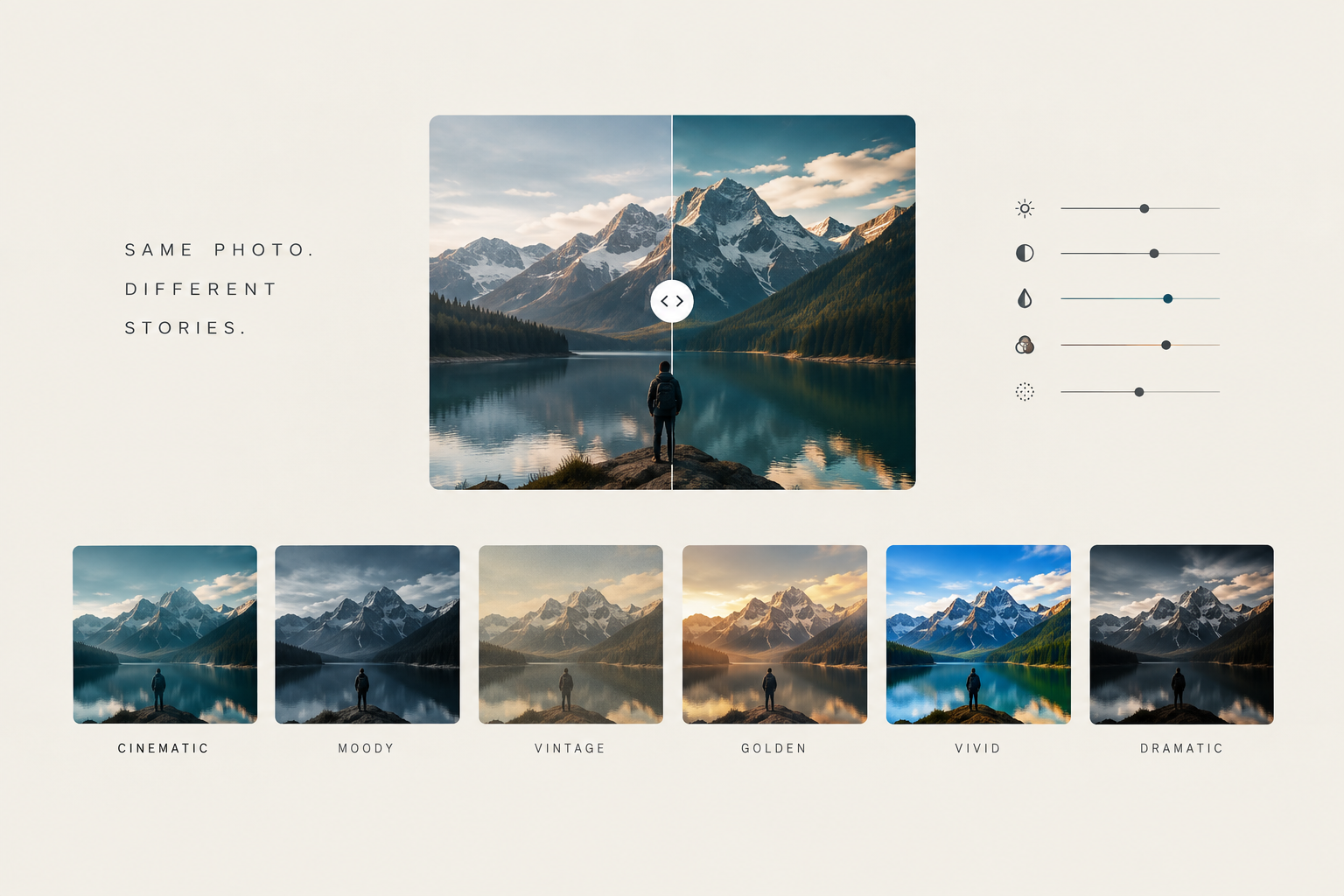
What "Make It Cinematic" Actually Means: The Recipes Behind Popular Looks
Explore the editing recipes behind six popular photography looks: cinematic, moody, vintage, warm, vivid, and dramatic. Learn how tone, color, contrast, highlights, shadows, and texture shape the mood and atmosphere of an image.
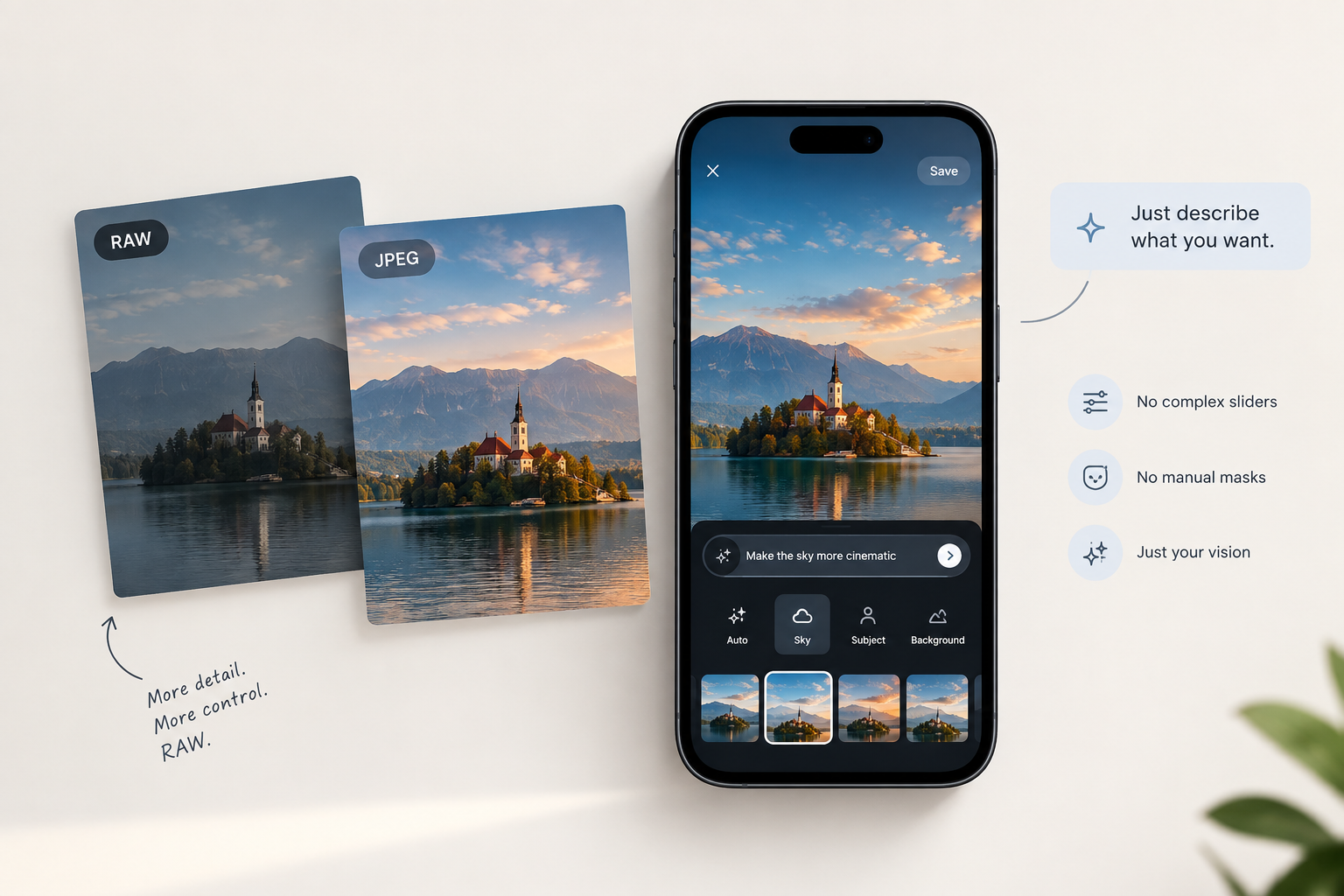
Why RAW editing has always been too hard for most people
RAW photography preserves more detail, but editing it can feel intimidating. Explore why traditional RAW software overwhelms beginners, from endless sliders and masking to time-consuming adjustments, and how AI can make professional editing simpler!
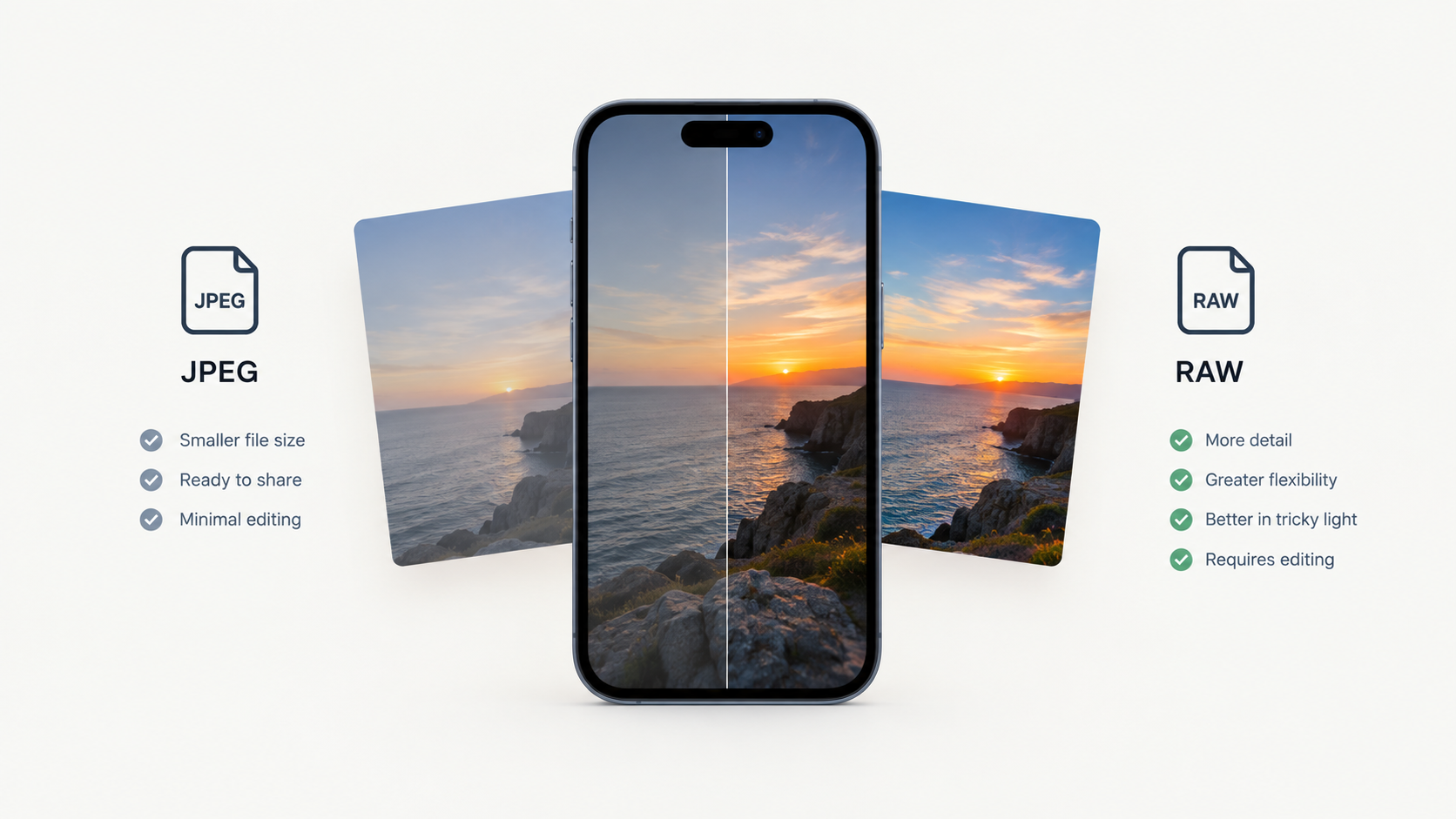
RAW vs JPEG on a Phone: The Real Difference
RAW vs JPEG on a phone explained: learn how each format handles image quality, editing flexibility, storage, highlights, shadows, and color, and discover when shooting RAW is worth it versus when JPEG is the better choice.
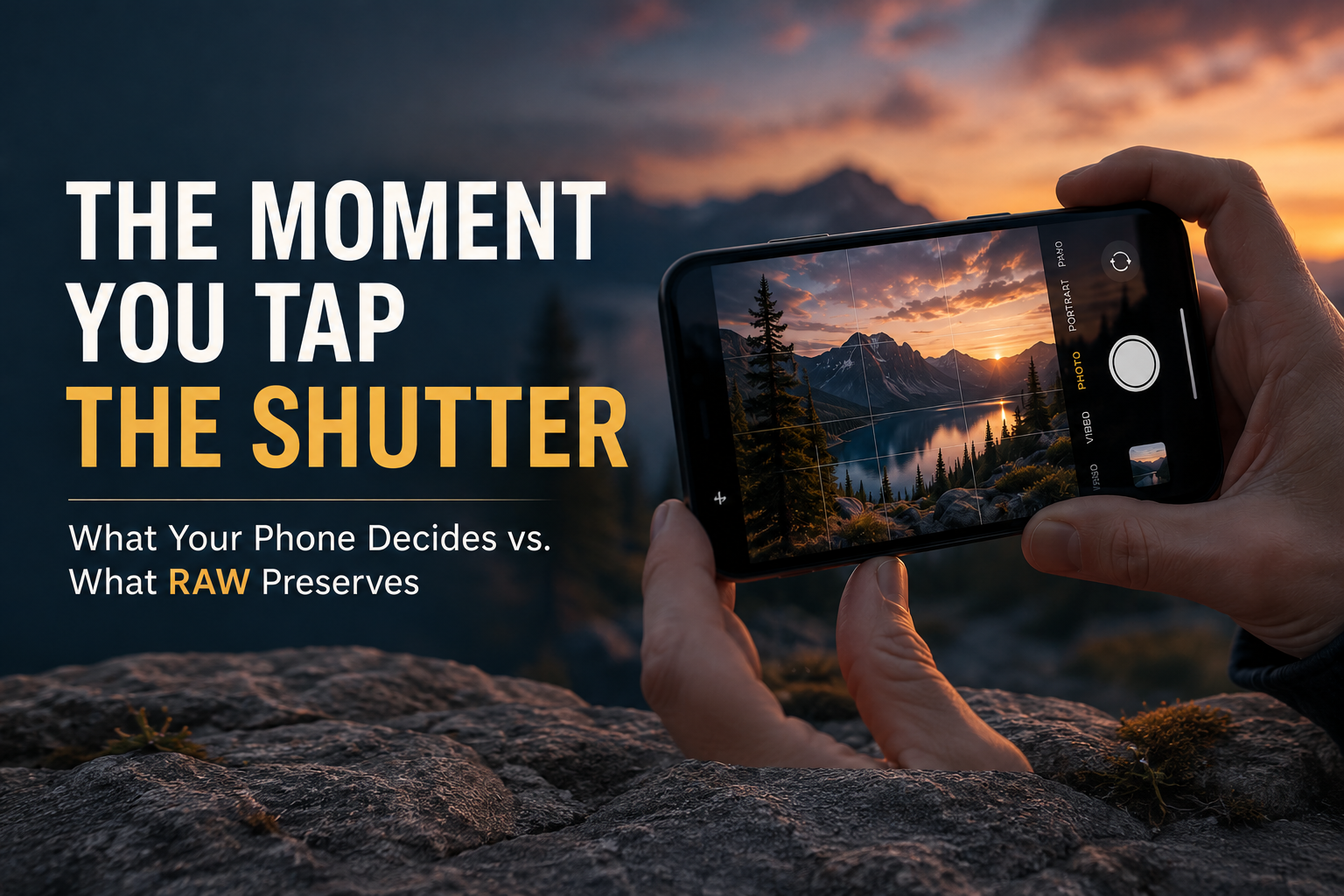
What Actually Happens When Your Phone Takes a Photo
Your phone processes every photo before you see it, permanently baking in choices about brightness, color, contrast, and detail. Learn how RAW files preserve the original sensor data and give you more control over your photos.